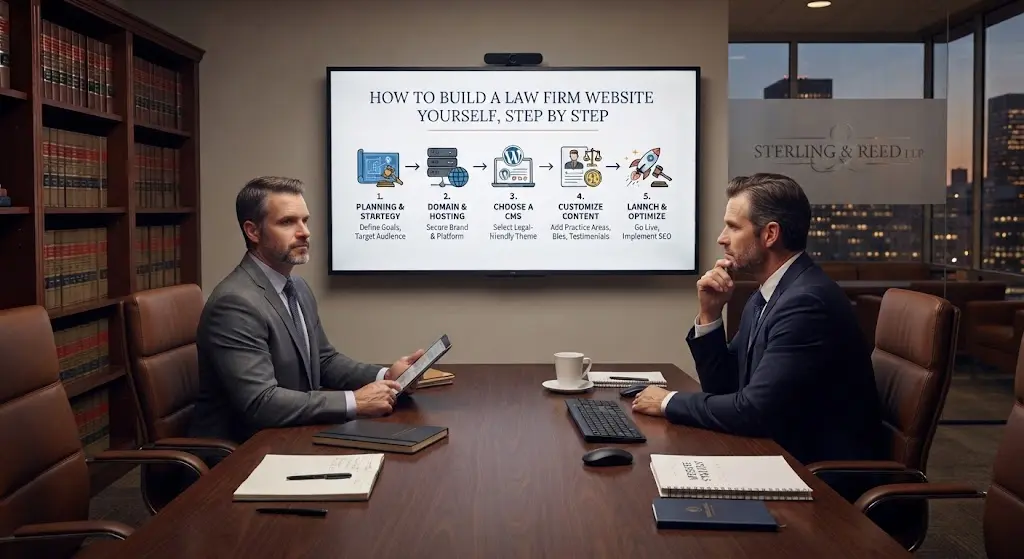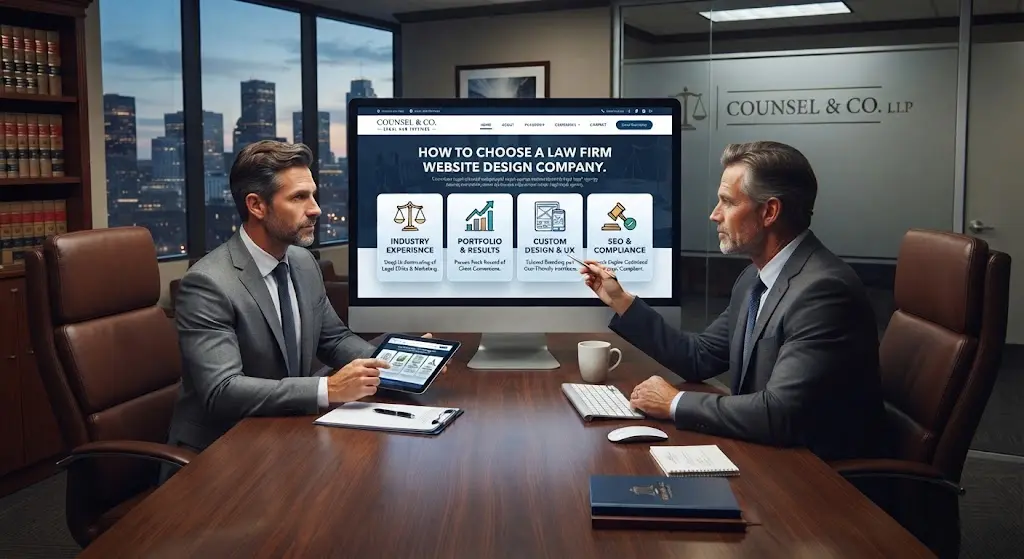

Two attorney websites can look almost identical and still perform completely differently — because what actually drives clients and rankings usually is not visible in a screenshot. It is the technical and structural decisions underneath the design. If you have not yet covered the fundamentals of how a law firm site actually gets built, our law firm web development guide is the place to start. Below are the fifteen specific features that separate a site that generates clients from one that just sits online.
1. Mobile-First Responsive Design
More than 60% of legal searches now happen on a phone. A site that was designed for desktop first and merely “squeezed” to fit mobile screens loses visitors within seconds — tiny tap targets, text that requires zooming, and forms that are painful to fill out on a small screen. Mobile-first means the phone experience is the primary design, not an afterthought.
2. Fast Page Load Speed (Core Web Vitals)
Google uses page speed directly as a ranking factor, and visitors abandon a page that takes more than 2-3 seconds to load. Unoptimized images and bloated page-builder code are the most common culprits on law firm sites. A properly built site should load in under two seconds on mobile.
3. Individual Practice Area Pages, Not One Generic “Services” Page
A firm handling personal injury, family law, and criminal defense needs three distinct, deeply written pages — not one page that briefly mentions all three. Search engines and visitors both reward specificity: a dedicated page ranks for its specific practice area in a way a combined page never will.
4. Attorney Bio Pages Built for Trust
Legal clients research the specific person who will handle their case, not just the firm name. A bio page with a real photo, credentials, notable case types, and a personal voice consistently outperforms a two-line generic biography buried on an “About” page.
5. Prominent, Consistent Calls to Action
Every page should make it obvious what to do next — call, fill out a form, schedule a consultation — without the visitor hunting for it. Consistency matters as much as prominence: a visitor who sees three different CTA styles across five pages trusts the site less than one with a single clear pattern repeated throughout.
6. Click-to-Call and Simple Contact Forms
On mobile, a phone number that is not a tappable click-to-call link is a lost lead. Contact forms should ask for the minimum needed — name, phone, brief case description — since every extra field measurably reduces completion rates, especially for someone anxious about a legal problem.
7. Live Chat or Chatbot Intake
Legal problems often happen outside business hours, and a visitor who cannot get any response tends to move to the next search result. A simple chat widget — even a basic scheduling or message-capture tool — catches leads a static contact form alone would lose.
8. Client Testimonials and Case Results (Bar-Compliant)
Social proof is one of the strongest conversion levers on a legal site, but it has to be handled correctly — many state bars have specific rules about how results and testimonials can be presented, including required disclaimers that past results do not guarantee future outcomes. Done right, this section builds real trust; done wrong, it creates compliance risk.
9. Local SEO Signals (NAP Consistency and Google Business Profile Integration)
Your Name, Address, and Phone number (NAP) need to match exactly across your website, Google Business Profile, and every legal directory listing. Inconsistent formatting — “St.” versus “Street,” a slightly different phone number — quietly undermines local search rankings even when everything else is done right.
10. Schema Markup for Legal Businesses
Schema is structured code, invisible to visitors, that tells Google specifically “this is a law firm” rather than a generic business — including practice areas, service locations, and attorney names. Sites without it are harder for search engines to categorize correctly, which quietly limits how well they can rank.
11. ADA-Accessible Design
Sufficient color contrast, keyboard navigability, and proper alt text on images are not optional extras — inaccessible websites have become a real source of ADA-related legal exposure for businesses, including law firms themselves. This is a feature, not a nice-to-have.
12. Required Advertising Disclaimers
Most state bars require specific disclaimer language around attorney advertising, and contact forms need language that avoids inadvertently creating an attorney-client relationship before a formal engagement. This should be built into the site structure from day one, not bolted on after a complaint.
13. Secure Hosting and SSL
An SSL certificate (the padlock in the browser bar) is table stakes at this point — browsers actively warn visitors away from sites without one. Beyond that, secure hosting with regular backups and malware monitoring protects both client-submitted intake data and the firm’s own reputation.
14. A Blog or Resource Section for Ongoing SEO
A site that never adds new content signals to Google that it is static and stops being actively crawled as often. A regularly updated blog or resource section, focused on questions real clients actually search, keeps the site visibly active and gradually expands how many searches it can rank for.
15. Analytics and Call Tracking
Without analytics and call tracking, there is no way to know which pages, keywords, or campaigns are actually generating consultations versus just traffic. This is the feature most often skipped at launch — and the one that makes every other marketing decision afterward a guess instead of a data-backed choice.
All 15 Features at a Glance
| # | Feature | Launch Priority |
|---|---|---|
| 1 | Mobile-First Responsive Design | Must-have at launch |
| 2 | Fast Page Load Speed | Must-have at launch |
| 3 | Individual Practice Area Pages | Must-have at launch |
| 4 | Attorney Bio Pages | Must-have at launch |
| 5 | Consistent Calls to Action | Must-have at launch |
| 6 | Click-to-Call & Simple Forms | Must-have at launch |
| 7 | Live Chat or Chatbot | Can phase in later |
| 8 | Testimonials & Case Results | Phase in after launch |
| 9 | Local SEO / NAP Consistency | Must-have at launch |
| 10 | Schema Markup | Must-have at launch |
| 11 | ADA-Accessible Design | Must-have at launch |
| 12 | Advertising Disclaimers | Must-have at launch |
| 13 | Secure Hosting & SSL | Must-have at launch |
| 14 | Blog / Resource Section | Can phase in later |
| 15 | Analytics & Call Tracking | Must-have at launch |
Which of These Matter Most for a Small Firm vs a Growing Firm
A solo attorney just starting out should prioritize features 1-6 and 12-13 first — mobile design, speed, clear practice pages, CTAs, contact forms, and the compliance and security basics. Live chat, detailed schema, and a full blog strategy can follow once the firm has steady intake. A growing multi-attorney firm, by contrast, should treat all fifteen as close to non-negotiable from the start, since the cost of retrofitting them later — especially schema and site architecture — is higher once the site has grown large and is already indexed.
How These Features Affect What You Pay
Every feature above adds real development time, which is exactly why quotes vary so widely between agencies. A cheap quote that skips schema, ADA accessibility, and proper contact-form compliance language is not actually a bargain — it is a site missing pieces you will likely need to add later, at extra cost. Our attorney website design cost breakdown shows exactly which of these layers should be included at each price point.
If you are weighing building the site yourself instead, most DIY builders struggle to implement several of these — particularly schema markup and true mobile-first performance. See our full comparison in attorney website builder: DIY or hire a developer.
Common Questions About Law Firm Website Features
Do I need all fifteen features at launch, or can some come later?
Features 1-6 and 12-13 should be there from day one — they are foundational. Live chat, a full blog strategy, and advanced schema can reasonably be phased in over the first few months.
Which single feature has the biggest impact on lead volume?
Individual practice area pages, in most cases — they directly expand how many specific searches the site can rank for, which is usually the single largest driver of new leads.
Can an existing website be upgraded to include these features without a full rebuild?
Often yes, especially on WordPress — schema, speed optimization, and compliance language can typically be added incrementally. Site architecture changes like splitting a combined services page into individual practice pages usually require more substantial restructuring.
Does adding all fifteen features slow the site down?
Not if they are built correctly. Features like schema markup and analytics add negligible weight; the actual speed risk comes from unoptimized images and bloated third-party plugins, not from having comprehensive functionality.
How do I know if my current site is missing any of these?
Most can be checked directly: view your site on a phone for #1, run it through Google PageSpeed Insights for #2, and check your page source for schema markup for #10. The compliance-related features (#8, #11, #12) are worth a direct review with someone familiar with attorney advertising rules in your state.
Bottom Line
These fifteen features are not extras layered on top of a website — together, they are what makes the difference between a site that exists and a site that actually generates clients. See how these are built into every project we deliver →
Attorney Website Designers builds custom law firm websites exclusively for attorneys across the USA, with every one of these features included as standard. Book a free 15-minute call to see them in action.